
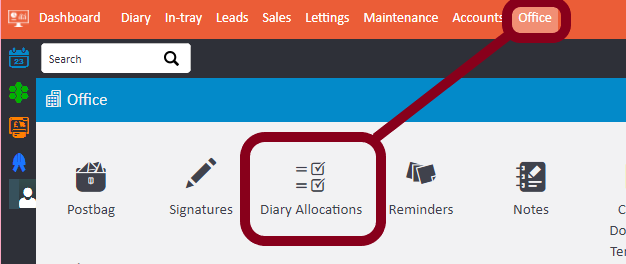
1. Go to Office > Diary Allocations
2. By default the allocations will be blank, but you can select a specific staff member on the left hand side that you would like to view

3. Click the Add Allocation button in the top right (or Add Allocation Block for recurring allocations), choose dates, times and type

4. You'll then see the allocations in the diary

Comments
0 comments
Article is closed for comments.