
To look at emails that you have sent out, or emails from a colleague's sent box, you can do so via these steps:
Your Sent emails can be accessed via the DashBoard:
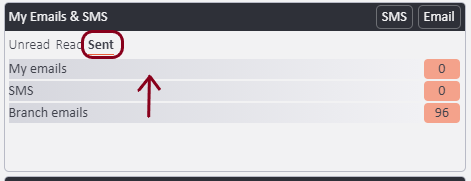
Click on the Sent option > then the emails you'd like to see.
1) Please go to your staff profile or your colleague's profile by typing "Staff" into the search bar and then clicking onto the profile of your choice, depending on which user sent the email.
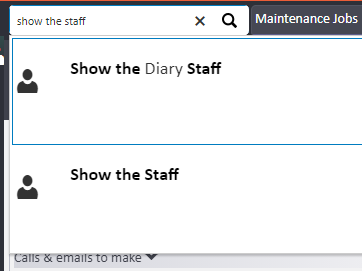
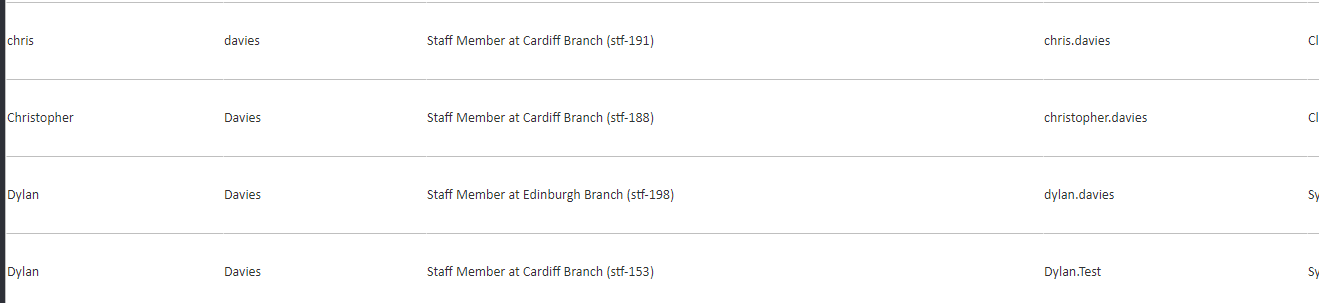
Select the staff profile by clicking onto the name or line area as highlighted below:
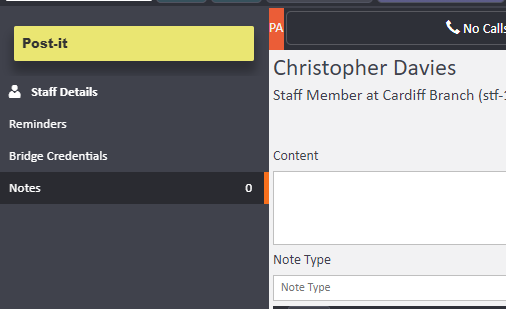
2) Select "notes" to the left - bear in mind you have filters to the left hand side to aid you in finding your email of choice within a given time frame or note type:
To search for keywords or emails from specific people, please follow the steps in this guide - Click Here
Comments
0 comments
Article is closed for comments.