
The system produces property lists as per your instruction and preferences. This is good information to be able to present to a potential applicant that has walked into the agency and asked for any properties that match their criteria. You can also print to post or email them with this attached.
You can create a property list for a person by going to the 'Lettings'.

Select the 'Print property list' icon.
This will then give you an option to enter general search details such as price, rooms and area.
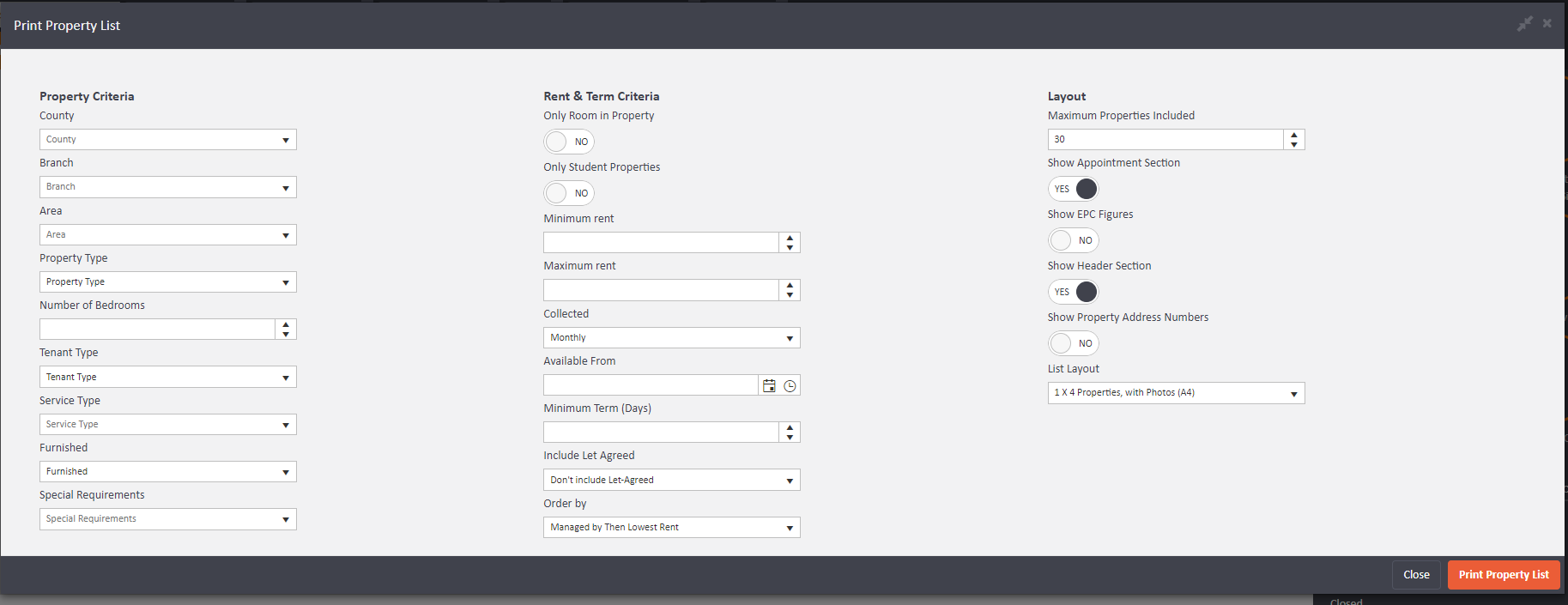
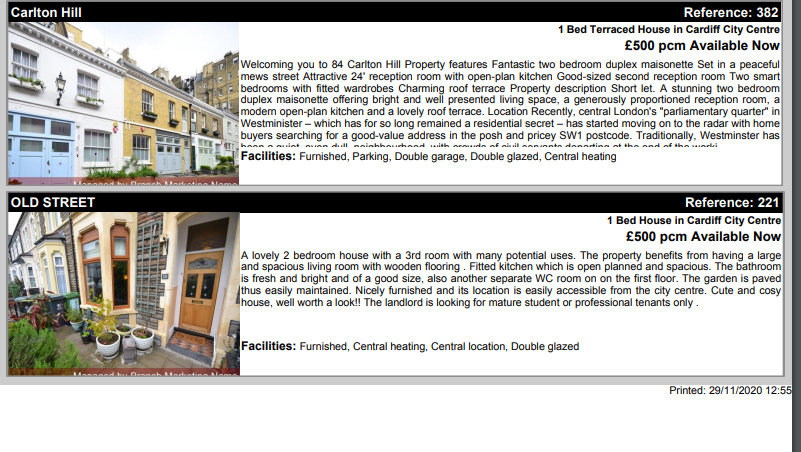
When you click on 'Print Property List' it will give you a document with all of the properties that match.
Comments
0 comments
Please sign in to leave a comment.