
The system offers a report on all Active Landlords, providing they have at least one property with an instruction or tenancy in the advertised, let agreed, signed or ended stages.
*To remove a landlord from this list, all their old tenancies must be set to 'Closed'.
Go to Lettings and scroll down to the reports section
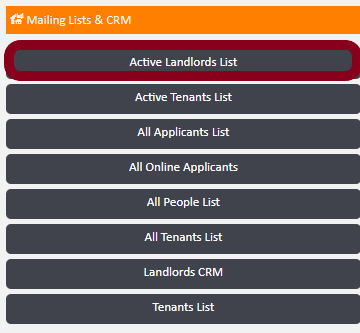
You’ll see two filters on the left hand side of the screen which will allow you to filter by Branch and Service Type. Once filters have been applied generate your report, which will contain the following:
- Landlords full name
- Address
- Contact numbers – Landline, Mobiles and Emergency
- Email Address
- Marketing Preferences
- Email Letters Preference
- Landlord Marketing Status
- Landlord Marketing Source
- Licence Number/ Expiration
- Payment Status
This report can be used for example, to carry out a mail merge, as it can be exported to Excel.
Comments
0 comments
Article is closed for comments.