
- Type the address in the quick search bar and select the tenancy
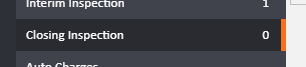
- Click closing inspection on the left
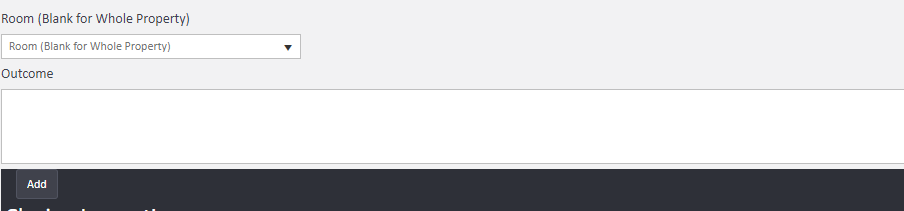
- Select each room and enter the outcome
- Click Save & Close
- Repeat for all the rooms on the property - items will appear below
Further options
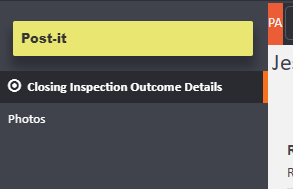
- To add photos click a room and click photos on the left. drag and drop your images here
- To add a maintenance job from here click actions next to the room
- To send inspection letters click actions on the top right
Comments
0 comments
Article is closed for comments.