
Did you know there is a useful App for Inventories with Touchright that we integrate with? Please check this link for more information - Useful Plugins
If you carry out your own in house inventories you can carry these out via the system.
- To add an inventory you’ll need to go to the LETTINGS tab and select the TENANCIES button, alternatively you can go to the Search bar > Search for the tenancy
- Once you have the tenancy open you will have an Inventories option under Property Management subheading on the left hand ladder.
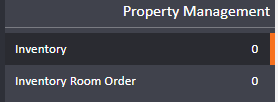
- On the new page you can begin recording Inventory Items
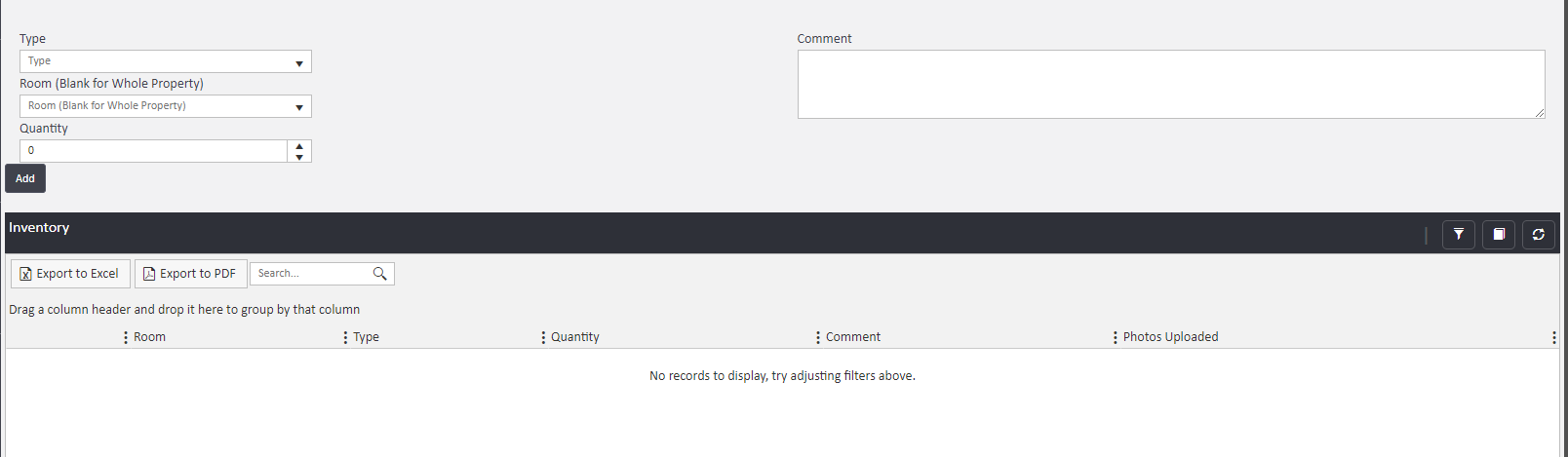
Within this page you'll see any previously recorded Inventory Items listed at the bottom of the page.(As shown in screenshot)
Room: You can link the inventory item to a particular room
Type: the inventory item eg. Bed Quantity
How many of that item is in the room
Comment: Quality of the item, any marks.
- You will see the item on the list, if you wanted to add an image of that item, click onto it and you will see the option for photos on the left hand side, you can then drag and drop photos in.
Comments
0 comments
Article is closed for comments.