
Credit Check Widget
On all pages for tenancies and people on the system, you will find a Credit Check icon.
When a credit check has not been carried out, you will be able to see the widget as it appears below in the screenshot provided. It will clearly indicate that the credit check was not conducted by showing it as "Missing Check"
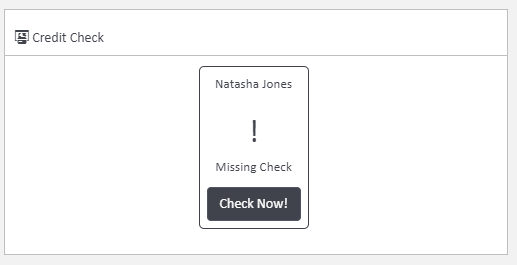
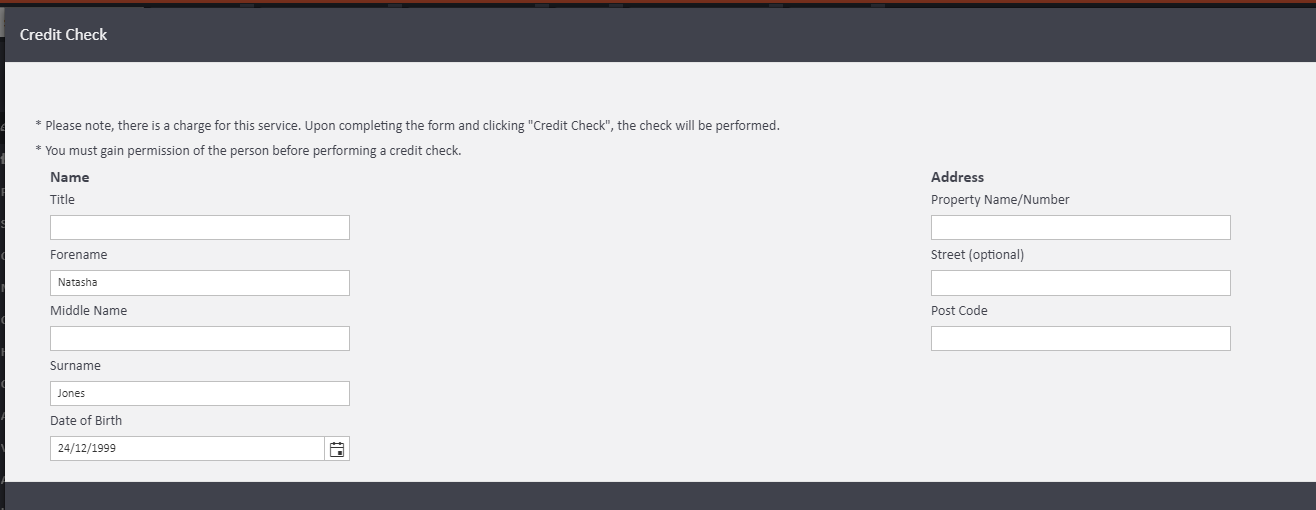
By clicking the "Check Now" button, it will open up a new credit check with the details of the person automatically populated for a convenient and fast way to conduct the check. Please see below how it would appear pre-filled for you based on the information entered on the person's profile.
Once a credit check has been performed, the widget will update with the score and the colour will change to reflect the risk level (Red, Orange or Green)
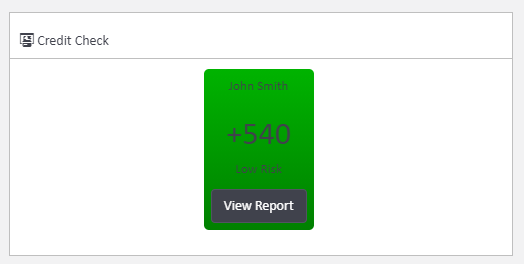
A completed credit check, displaying the score and colour which represents the risk.
Comments
0 comments
Article is closed for comments.