
You may have a duplicate or unused property/person profile on the system which you'd like to remove. Unfortunately, you cannot delete a property or person from the system due to audit trails needing to remain intact.
What we would recommend is changing the name on the profile to include something like (DO NOT USE) so that it is completely clear that this profile is not to have any actions made on it unless specified otherwise. But it will also retain any data such as account info or contact info, should you ever need to refer back to them.
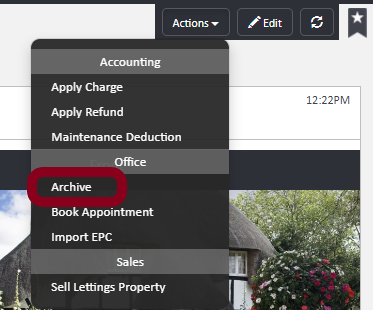
Once this has been completed and it's easy to identify the Property/Person, you can then use the Archive button found under Actions > Archive:
To change the name on a profile (this will be the same for both property and person) open it up by searching for the name/address in the Quick Search Bar. (Ensure at this point that you are definitely changing the correct profile if this is a duplicate that you wanting to change).
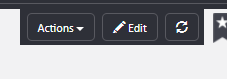
Then go to edit in the right hand corner
Within the details then you will want to change the property/person name to include (DO NOT USE).
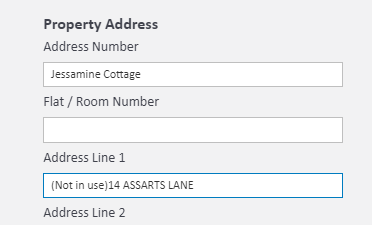
In the future (as long as no activity has happened on the DO NOT USE profile) you can use these accounts again for new properties or people that you want to add onto the system.
Comments
0 comments
Article is closed for comments.