
You can convert a sales enquiry (Sales > Contacts) to an applicant buyer by using the actions button. Once you have converted the enquiry to an applicant buyer, you will see that your buyer has opened in their own profile.
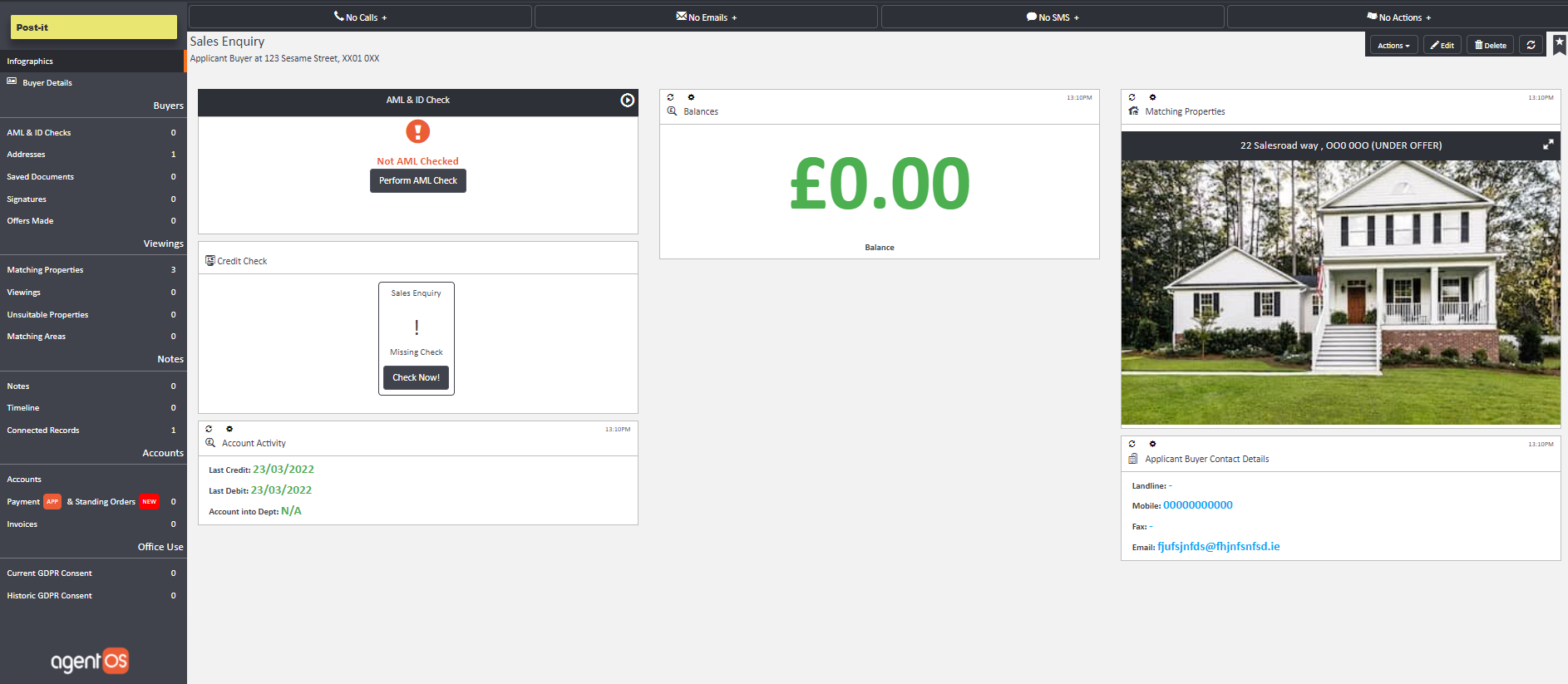
To add in this buyer’s property requirements you’ll need to click onto the edit button on the top right hand corner of your screen. You will see the following options:

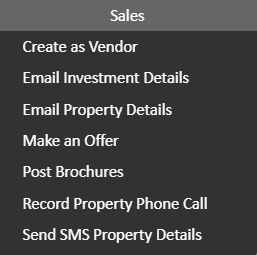
Once you have added in their property criteria, you can click onto the actions button on the top right hand corner, and opt to send relevant available property details to the potential buyer.
Comments
0 comments
Article is closed for comments.