
To feed to Rightmove and other portals, there are a number of key fields that need to be completed to ensure the appropriate amount of information is fed through. There are a few sections to this, which we will break down below.
The first set of items fall under the following items in within the 'Sales Instruction'.

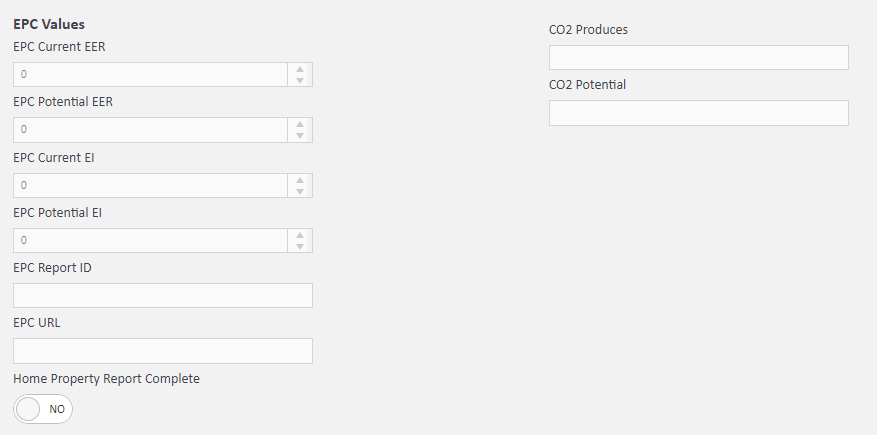
The EPC tab will require the EPC values to be completed for import to brochures/portals.
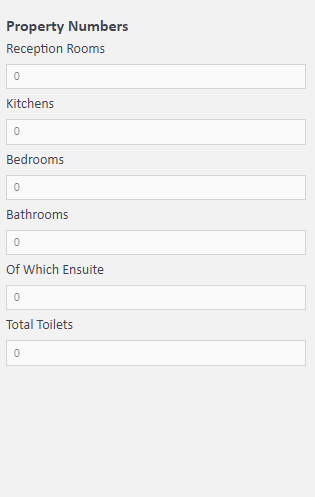
Composition One, the number of rooms within the property will feed through.
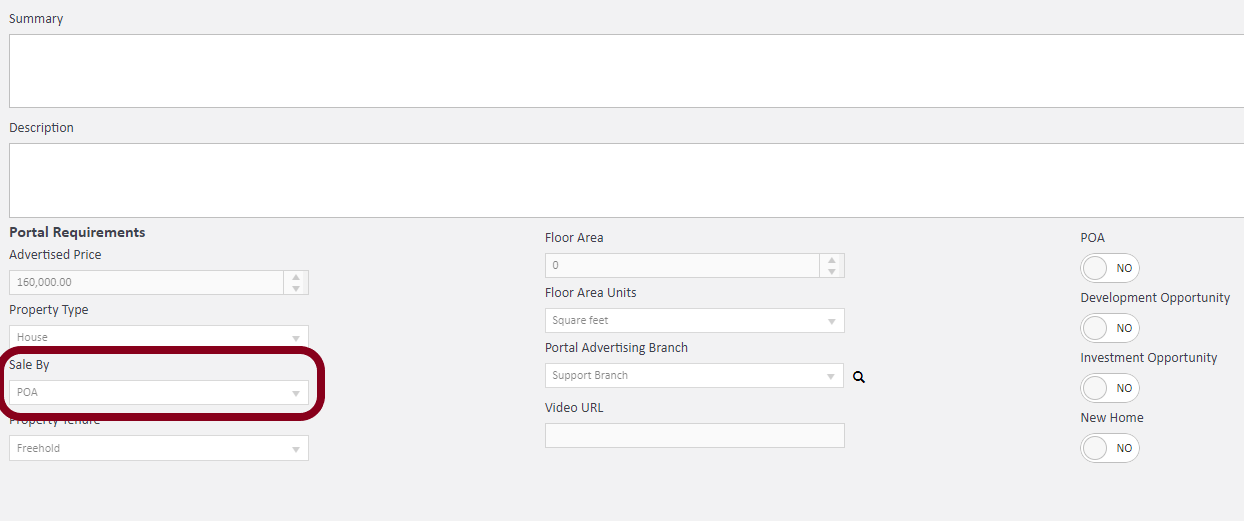
Now under Marketing is where you'll need to apply the key items like, Summery, Description and Portal Requirements along with how you would like the listing priced, such as POA(this will hide the property price and show POA on the portal), Offers in Excess of (This field is highlighted):
Now these sections are complete, there are a few additional sections to complete before Advertisement:
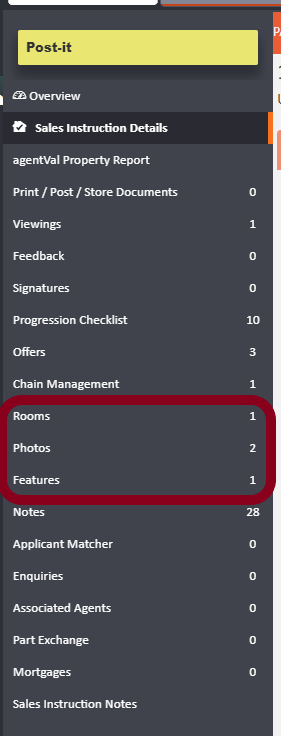
Features
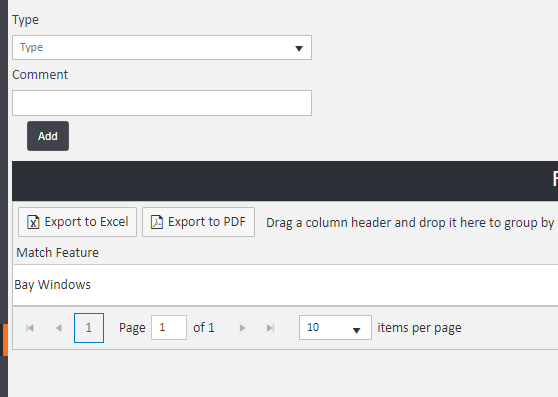
This section will allow you to add bullet points to highlight key items of your property. RM and other portals can support up to 10 key features. There will be some items pre-generated in the list but this can be edited - please see support for steps on adding more.
Rooms
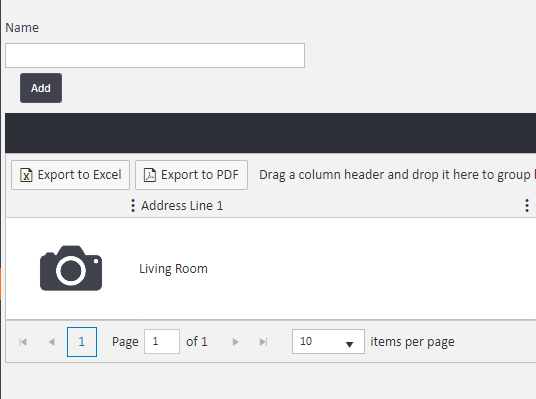
Within this section you can record individual rooms within the property. Once added, you can click into the room and add further details like descriptions and dimensions.
Photos + Floor Plan

Within the photos area you can easily Drag & Drop into the white box to upload images from your desktop or use the 'Select files' to find them within your documents.
In this area you can also upload a Floor Plan. Once uploaded, so it will feed through correctly, you can change the image type, so it is recognised as the plan. To do so, you'll need to ensure the floor plan is selected and then in the top right of the image you'll see:
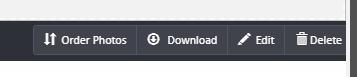
Click Edit:
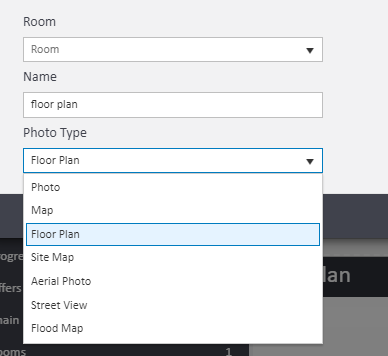
Then select 'Floor Plan' from the Photo Type drop down and Save.
Once all these steps are complete - You can proceed to 'Actions' on the Sales Listing > Advertise.
Comments
0 comments
Article is closed for comments.