
If you have a new landlord instruction which is not to replace any of your existing landlord instructions you will need to set up a new upload slot for this.
Please follow the steps below.
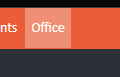
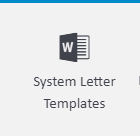
Click Office > System Letter Templates
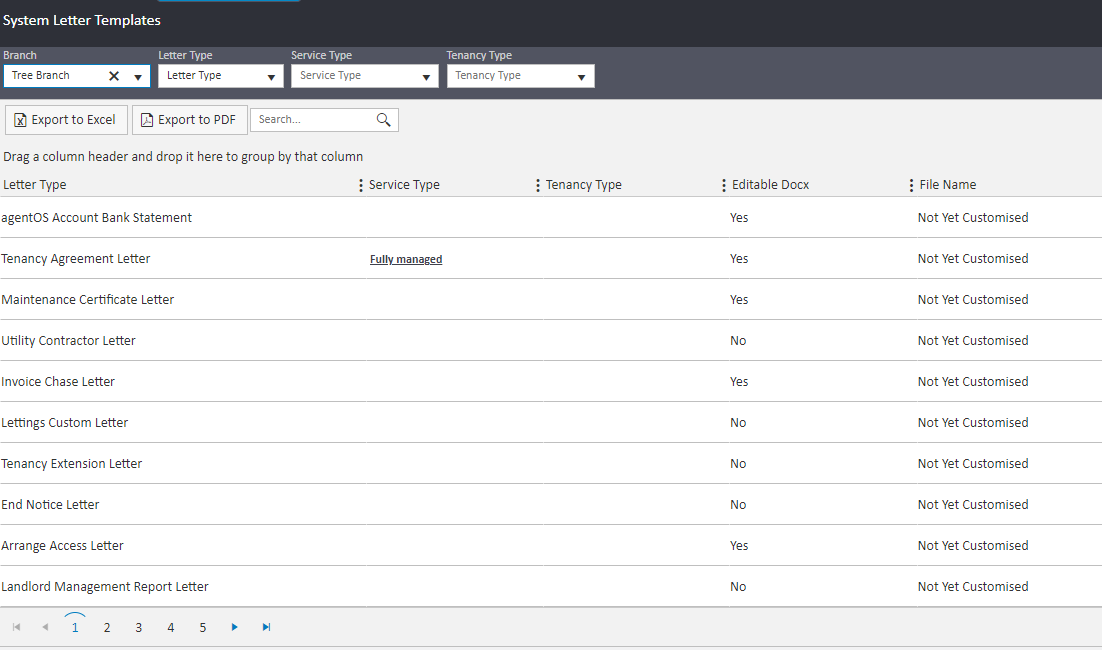
You will then be directed to a new screen as shown below
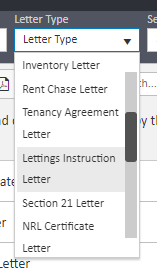
In the ‘Letter Type’ drop down menu, please find ‘Lettings Instruction Letter’ and refresh. This will then only show the Landlord Instruction upload slots.
You will see a button situated to the right called ‘Add Service / Tenancy Type Template’ (1). Click this to bring up the following screen
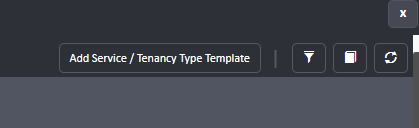
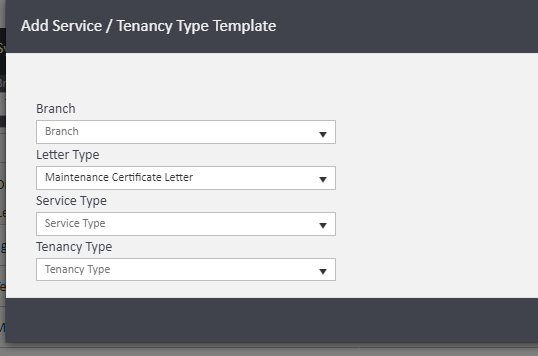
Here you will be able to create a new slot for your new agreement.
- Select the relevant branch
- In the ‘Letter Type’ select ‘Lettings Instruction Letter’
- Choose the relevant Service Type (If this is to be available for all service types, leave blank)
- Select the Tenancy Agreement Type you require
- Add Service / Tenancy Type Template
Once you have clicked ‘Add Service / Tenancy Type Template’ the new slot will have been created.
Now you will need to upload the new landlord instruction.
Once you are ready to upload click on the ‘Actions’ button along the line of the upload slot you want to add this to.
Click on ‘Upload Template File’.
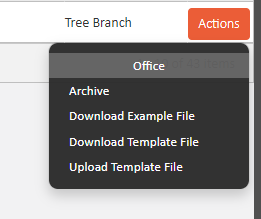
A new window will then open and you can either drag and drop the file or search for the file by clicking ‘Search files…’
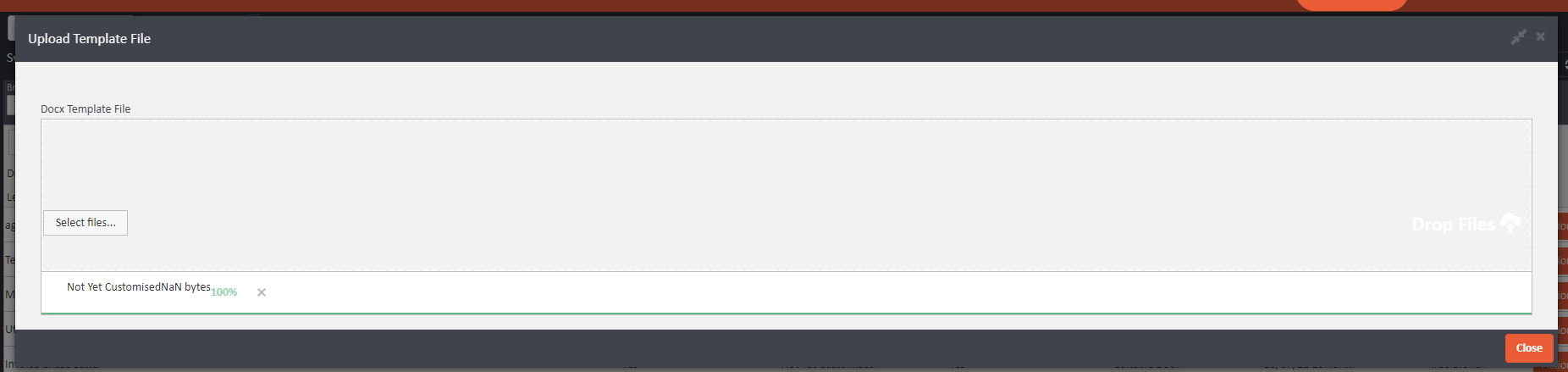
Once you have uploaded the document, click 'Close' and this will now be updated for you.
Comments
0 comments
Please sign in to leave a comment.